

Pro Contractor Studio Knowledge Base
Browse PCS commands and open any topic for details.
Expand and Contract
← Back to All TopicsExpand and Contract
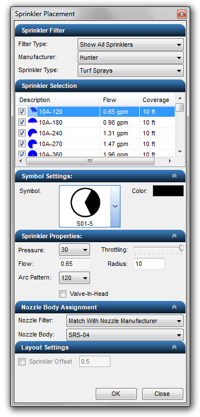
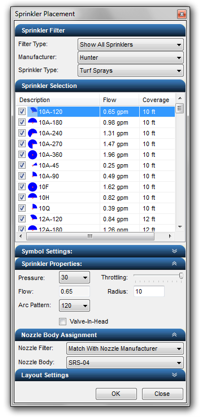
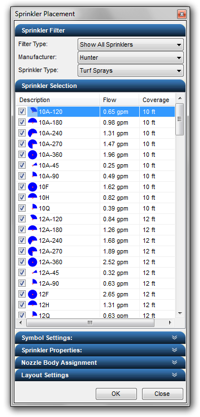
In various dialog boxes you may expand or contract different sections to hide portions of the settings or selections that are no longer required.
To contract a dialog box section:
-
When available, click on the up arrows
 to the right of the section header label.
To expand a dialog box section:
-
When available, click on the down arrows
 to the right of the section header label.
|
|
|
|
|
Fully Expanded |
Two Sections Contracted |
Fully Contracted |