

Pro Contractor Studio Knowledge Base
Browse PCS commands and open any topic for details.
Zoom Extents
← Back to All TopicsZoom to Drawing Extents
|
Menu: |
View |
|
Shortcut Keys: |
|
|
Toolbar Icon: |
|
 Zoom to Drawing Extents
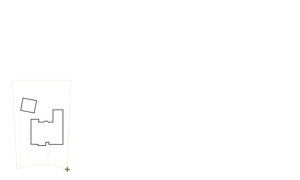
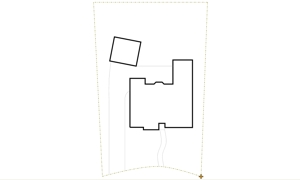
The Zoom to Drawing Extents command will force the program to locate the outermost boundary of all of the entities on the drawing and display the largest possible view of the entities on the design screen. The command does not change the actual size of entities on the drawing screen, it simply changes the magnification level making entities appear larger.
|
|
|
|
|
View before Zoom to Drawing Extents |
|
View after Zoom to Drawing Extents |